

Last Updated on February 26, 2026 by Tabassum Tonny
Canva vs Photoshop: Choosing the right design software can shape your entire creative journey. Whether you are just starting out or already working professionally, the tools you use influence both your workflow and the final quality of your projects. A good platform should make creativity enjoyable, efficient, and productive.
For many creators across the United States, the decision usually comes down to two well-known platforms: Canva and Adobe Photoshop. One focuses on simplicity and speed, while the other delivers professional-level precision and deep editing power. The best option depends on your goals, skills, and the type of content you want to produce.
This complete guide breaks down their differences so you can confidently choose the tool that matches your creative direction.
Key Takeaways
- Define your design goals before selecting a platform.
- Consider your current skill level and available learning time.
- Compare subscription costs with your budget.
- Decide whether you need advanced editing tools or quick templates.
- Evaluate how important professional-grade features are to your projects.
- Think about workflow efficiency and collaboration needs.
Getting to Know the Canva vs Photoshop Two Design Giants
Digital design has grown significantly with tools like Canva and Adobe Photoshop. Both are powerful, but they cater to different users and creative needs. Canva focuses on simplicity and speed for beginners and marketers, while Photoshop provides advanced tools for professionals who need detailed control and high-quality results.
What Is Canva?
Canva is an easy-to-use online design tool that lets anyone create professional visuals without prior experience. You can make social media posts, presentations, posters, and marketing materials quickly. Canva includes a drag-and-drop editor, thousands of templates, built-in stock images, basic photo editing tools, and cloud collaboration. It’s popular among small business owners, marketers, educators, students, and content creators who need attractive designs fast, without complicated software, making it ideal for both personal and professional projects.
What Is Adobe Photoshop?
Adobe Photoshop is a professional raster graphics editor widely recognized as the industry standard for photo editing and advanced digital design.
Advanced Capabilities:
When it comes to usability, Canva is built with simplicity in mind. Its clean, visual interface makes it easy for beginners to get started right away. Users can choose a template, edit text, replace images, and download a finished design within minutes. No technical background is required, which makes it ideal for students, small business owners, and content creators.
In contrast, Adobe Photoshop offers much deeper functionality. This gives experienced designers greater creative control, but it also means new users must invest time learning features such as layer masks, blending modes, and smart objects.
In short, Canva is fast and beginner-friendly, while Photoshop is powerful but requires training and practice.
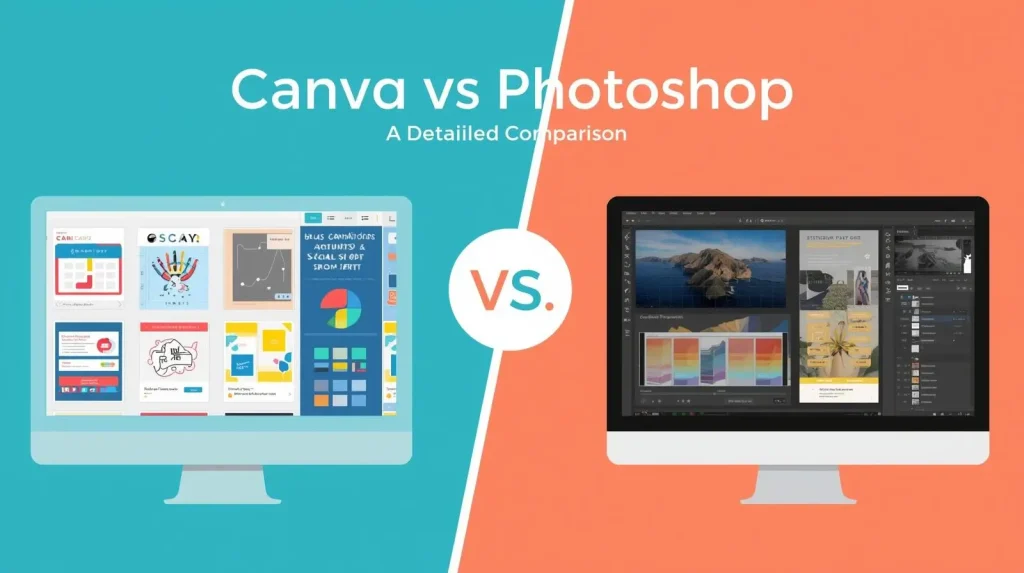
Canva vs Photoshop: A Detailed Comparison
Read More: Best Free AI Tools for College Students
1. Ease of Use and Learning Curve
Canva is built for simplicity, making it ideal for beginners. Its clean and visual interface allows users to start designing quickly. You can choose a template, change text, swap images, and export finished designs in just a few minutes. No technical skills are required, which makes it perfect for students, small business owners, marketers, and content creators who want fast results.
Adobe Photoshop, by contrast, provides much deeper functionality. It offers professional-level tools like layer masks, blending modes, and smart objects, giving designers full creative control. Beginners will need time and practice to master these features.
In short, Canva is fast and beginner-friendly, while Photoshop is powerful but requires dedicated learning. This makes Canva great for quick projects and Photoshop better for detailed, professional work.
2. Pricing and Subscription Models
When choosing between Canva and Adobe Photoshop, pricing plays an important role.
Canva follows a freemium model. You can use the free version with essential design tools, templates, and basic editing features. For more advanced options, Canva Pro costs $12.95 per month or $119.40 per year. There are also team plans with custom pricing for businesses. Canva Pro includes helpful features such as a Brand Kit for logos and fonts, a background remover, premium templates, unlimited storage, and one-click resizing for different social media platforms.
Photoshop is available through Adobe Creative Cloud. The Photography Plan, which includes Photoshop, costs $9.99 per month. The full Creative Cloud All Apps plan costs $52.99 per month and gives access to other professional tools like Illustrator and InDesign.
In simple terms, Canva is budget-friendly and easy to manage, while Photoshop requires a higher investment but delivers advanced, professional-level capabilities.
3. Design Power and Creative Flexibility
When comparing creative freedom, Adobe Photoshop and Canva serve different types of users. Photoshop is built for serious image editing. It gives you full control with pixel-level adjustments, content-aware fill, RAW photo processing, advanced retouching, and professional color grading. This makes it ideal for photographers and designers who need precision. Canva also offers image editing features, but they are simplified for speed and ease of use rather than deep technical control.
For layout design, Canva makes things much faster. Its large template library helps users quickly create social media graphics, business presentations, flyers, brochures, and marketing materials without starting from scratch. Photoshop can handle graphic design too, but it usually requires more manual setup and design knowledge.
When it comes to templates and assets, Canva includes thousands of ready-made designs, icons, fonts, and stock images. Photoshop relies more on custom assets and Adobe libraries, offering fewer templates but greater flexibility for fully customized projects.
Which Tool Is Right for You?
Choosing between Canva and Adobe Photoshop depends on your goals and experience level. Canva works best for small business owners, social media managers, entrepreneurs, educators, students, and marketing teams who need quick, attractive content without technical complexity. It is perfect if you value speed and simplicity.
Photoshop, in contrast, caters to professional graphic designers, photographers, digital artists, branding specialists, and advanced editors who need precise tools and complete creative freedom. If your projects demand high-resolution quality, detailed retouching, and advanced customization, Photoshop is the stronger and more powerful choice overall.
Using Both Tools Together
Many designers choose to use both Adobe Photoshop and Canva together to get the best results. Photoshop is perfect for detailed photo retouching, background removal, color correction, and creating custom graphics with full creative control. Once the image is polished, you can export it as a PNG or SVG file and upload it into Canva.
From there, you can quickly build social media posts, blog graphics, ads, or presentations using ready-made layouts. This combined workflow saves time while maintaining professional quality. It allows you to handle advanced image editing without slowing down your content production process. If you want both efficiency and high-quality visuals, using these two tools together is a smart and practical solution for modern content creators and growing online businesses.
Final Thoughts
Choosing between Canva and Photoshop depends entirely on your needs, goals, and experience level.
If you want quick, visually appealing designs with minimal effort, Canva offers a streamlined and efficient solution. If you require advanced editing tools and full creative control, Photoshop provides unmatched depth and flexibility.
Understanding how each platform works and what it excels at will help you build a smarter, more productive creative workflow. With the right tool in hand, you can design confidently and produce high-quality visuals that truly reflect your vision.
Your next great design begins with the right choice.
FAQ Section
Q1. Which platform is better for beginners with no design experience?
Canva is easier for beginners because of its drag-and-drop editor and ready-made templates. Adobe Photoshop is more advanced and requires time to learn.
Q2. Can Photoshop do things Canva cannot?
Yes. Photoshop supports detailed image manipulation, advanced color correction, RAW editing, and pixel-level precision that Canva does not offer.
Q3. Is Canva Pro worth it for small business owners?
Yes. Canva Pro includes Brand Kit tools, premium assets, background remover, and one-click resizing, which saves time and keeps branding consistent.
Q4. How do Canva and Adobe pricing compare?
Canva has a free plan and affordable Pro subscription. Photoshop requires an Adobe Creative Cloud subscription, which costs more but includes professional tools.
Q5. Can both tools be used together?
Yes. Many designers edit images in Photoshop and then import them into Canva for layout design and fast publishing.
Q6. Is Canva flexible enough for professional branding?
For daily branded content, yes. However, full brand identity systems are usually created in Adobe tools first, then maintained in Canva.Q7. Which tool is better for mobile design?
Canva offers a smoother mobile experience. Adobe provides Photoshop Express and iPad versions, but they work best with stronger devices.


Leave a Reply